
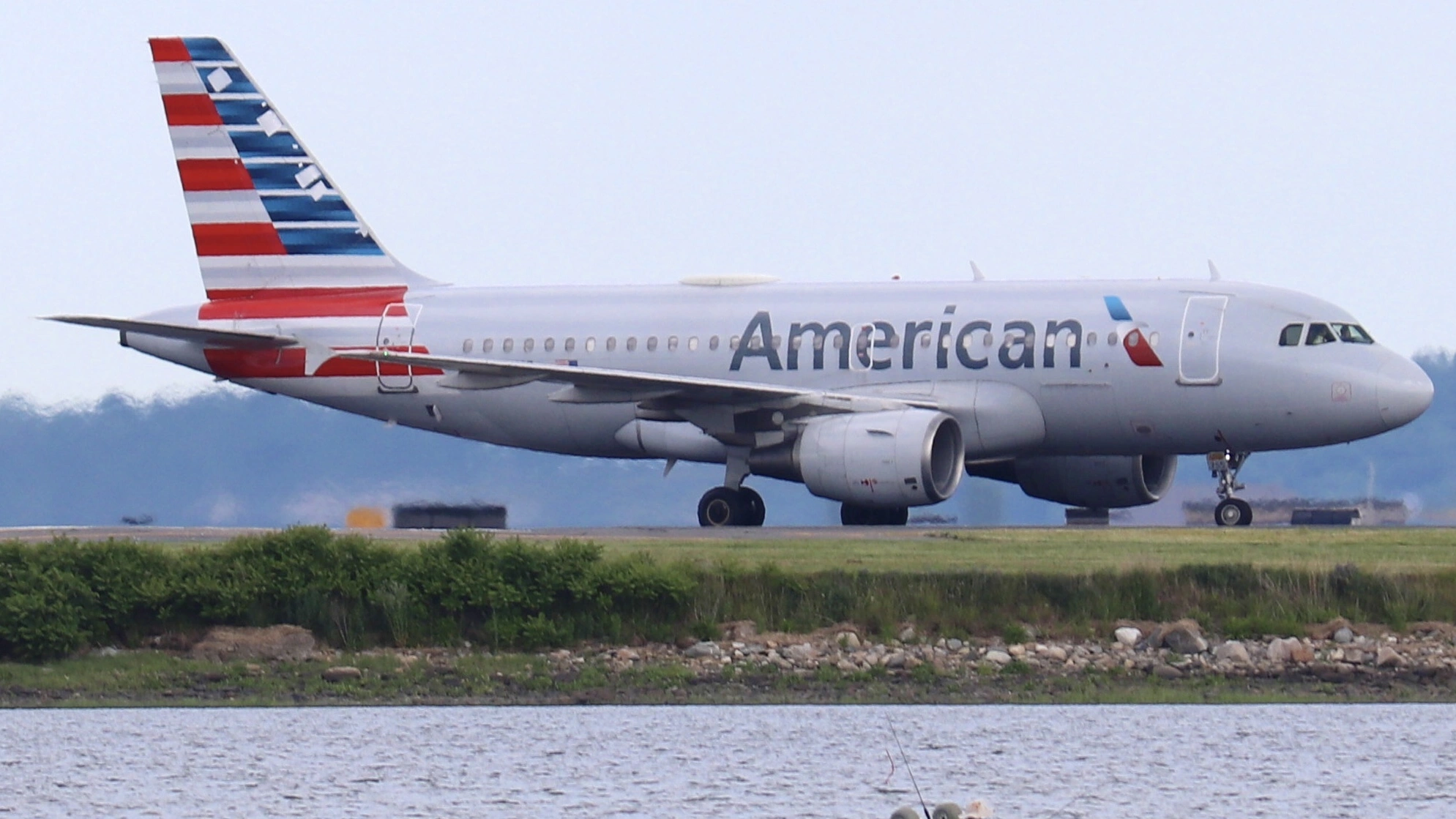
A couple nearly lost their confirmed business class seats on an American Airlines (AA) flight from Charlotte Douglas International Airport (CLT) to Frankfurt Airport (FRA) after the carrier’s boarding system signaled that the seats were available for an employee standby passenger, Live and Let’s Fly reported.
The couple, both confirmed in business class and checked in well in advance, were directed to see a gate agent after scanning their boarding passes at the gate. Only because they were physically present early did the agent reverse the pending seat reassignment. Had they boarded later, they could have been involuntarily displaced from long‑haul premium seats.

How the Reassignment at American Airlines Almost Happened
The latest report details that a confirmed premium seat can be flagged as available if airline systems erroneously indicate a passenger has not checked in. On the AA gate agent screen, this “unchecked‑in” status can prompt seat reassignment processes tied to the Passenger Accommodation List (PALL), which also manages oversold seating, upgrades, and standby lists.
In this case, although the couple had completed online check‑in, the system appeared to treat them as a no‑show, leading to their seats being queued for reassignment to a standby passenger at the gate. The couple only retained their seats because they arrived early and could demonstrate that they were present and prepared to board.
Industry sources note that the complexity of airline reservation and boarding systems, which must concurrently manage check‑in status, standby lists, upgrades, and revenue passengers, can lead to mismatches if synchronization issues occur.
Why Such Errors Occur
Airlines use an array of interconnected yet distinct operational platforms to handle ticketing, check‑in, boarding, unaccompanied minors, and standby passengers. If these platforms do not reflect a passenger’s accurate status in real time, seats can appear unoccupied even when passengers have boarded or checked in.
Experts explain that part of the boarding closeout process involves an automated step sometimes called “zapping,” where seats of passengers who appear unchecked-in are released back into inventory ahead of departure. If the airline’s mobile app or check‑in database fails to sync properly with the gate systems, a paid premium cabin seat can mistakenly enter the pool for standby or upgrade allocation.
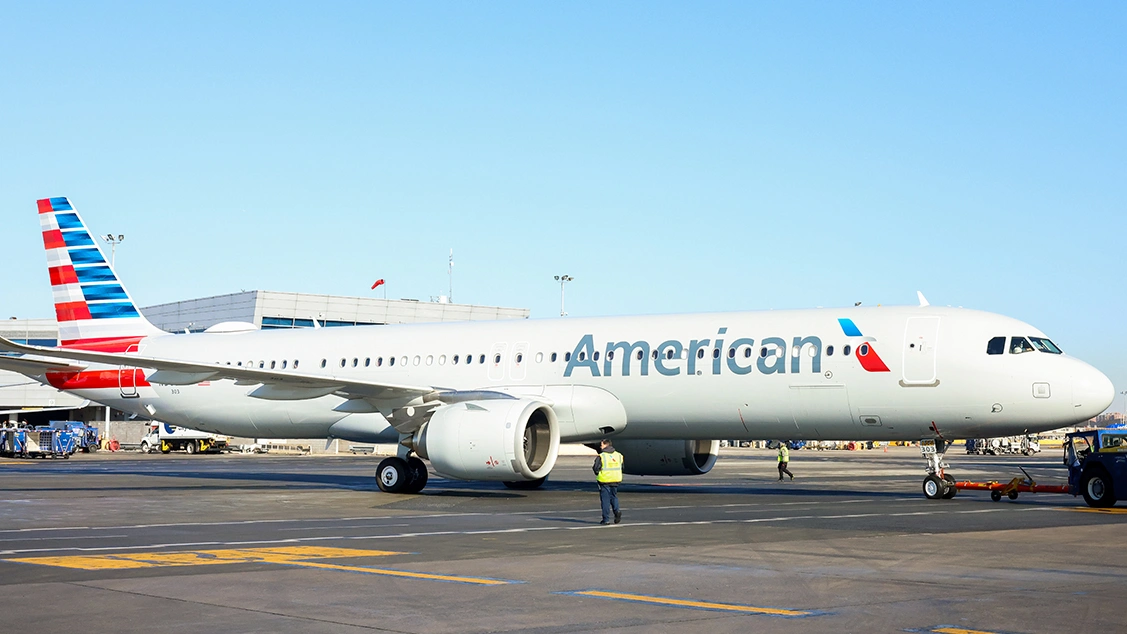
American Airlines’ own published upgrade and standby support documentation emphasizes that seats eligible for priority upgrades or designated standby lists may be reassigned based on status and inventory rules — although confirmed paid seats are generally expected to be honored.
Here are a few upgrade policies highlighted by American Airlines:
| Topic | Details |
|---|---|
| Eligibility | AAdvantage® status members may receive complimentary upgrades on eligible American Airlines (AA) flights. Applies to Main Cabin or Premium Economy fares, including award tickets, for travel within North America on AA operated and marketed flights. Up to 1 companion may be upgraded on the same flight. |
| Upgrade Request | Upgrades are automatically requested by AA. Confirmation occurs before departure based on status and availability. Status can be checked via the AA app or ‘Manage Trips’ on aa.com. |
| Seat Availability | Not all seats are eligible for complimentary upgrades. Availability depends on seating limits and capacity controls. Some seats may only be available for paid upgrades or purchase and may be assigned based on upgrade priority at the airport. |
| Connecting Flights on Other Airlines | If your first flight is operated by another airline, you must see an American team member to be added to the upgrade/standby list. |
| Upgrade Confirmation Times | – Gold®: 24 hours before departure – Platinum®: 48 hours – Platinum Pro®: 72 hours – Executive Platinum®: 100 hours Times are earliest possible confirmations; seats may become available closer to departure or at the airport. |
| Companion Upgrades | Companions may be upgraded if included in the same reservation. If in a different reservation, call AA Reservations to link reservations. Exceptions: more than 2 passengers, traveling with an infant in lap, or groups of 10+ require calling Reservations. |
| Confirmation Methods | Email notification sent to AAdvantage® profile, confirmation visible on aa.com and in the AA app. |
| Coverage | Upgrades valid on AA marketed and operated flights within the U.S. (including Hawaii), and to Canada, Mexico, the Bahamas, Caribbean, Bermuda, and Central America. Upgrades move passengers from Main Cabin or Premium Economy to the next class of service. |
| Automatic Recheck | If not upgraded immediately, AA continuously monitors availability. Passengers not confirmed by check-in are automatically added to the airport upgrade list. |
Passenger protections and system flaws
The airline’s contract of carriage allows seat assignments to be changed for operational reasons, but it also places the burden on passengers to ensure accurate check‑in status, particularly on international long‑haul flights.
Affected travelers note that heavy reliance on mobile app check‑in can contribute to synchronization lag between remote servers and gate systems, particularly during peak processing periods.
To mitigate such risks, travel experts recommend simple practices such as:
- Print a paper boarding pass at a kiosk or check‑in desk to ensure a physical record.
- Screenshot digital boarding passes with timestamped evidence.
- Arrive at the gate early to resolve issues before final seat assignments.
- Monitor boarding announcements to address system flags quickly.
(https://liveandletsfly.com/american-airlines-seat-reassigned-standby/)
While none of these steps guarantees absolute protection, collectively they reduce the likelihood that a paid premium seat will be erroneously flagged as open or reallocated to another passenger.
Second Experience of American Airlines’ Business Class Seat (Almost) Vanished
Only a week ago, elliot.org reported a case of a traveler whose first‑class seat disappeared between online check‑in and gate processing, leaving him listed as standby without explanation:
| Topic | Details |
|---|---|
| Passengers & Route | Paul Nelson and Gail Klein purchased two first-class tickets from Philadelphia (PHL) to Fort Lauderdale (FLL) for $868. |
| Check-in & Issue | Checked in 24 hours early; arrived at 6 a.m. at airport. At priority check-in to fix Nelson’s missing TSA PreCheck, he was issued a printed boarding pass showing him as “standby” with no explanation. |
| Gate Confusion | At the gate, Nelson received a main cabin seat (17F). Upon questioning, agents claimed he had no valid ticket and had been involuntarily bumped. Klein flew alone. |
| Alternate Travel | Nelson had to book a last-minute Southwest Airlines flight through Nashville for $199 to reach his destination. |
| Airline Compensation Offered | American Airlines offered a flight credit instead of cash. When the credit couldn’t be used in time, they provided 10,000 bonus miles without explanation. |
| Regulatory Entitlement | Under U.S. federal regulations, Nelson was entitled to cash compensation of 400% of the fare (up to $1,675) plus a full refund for the involuntary denied boarding. |
All in All
The near reassignment of confirmed business class seats on an AA transatlantic flight reveals a vulnerability in how airline seating systems interact with standby lists and inventory controls.
Although the passengers ultimately retained their seats, the episode highlights the importance of proactive passenger engagement and system reliability as airlines continue to modernize their operational platforms.